
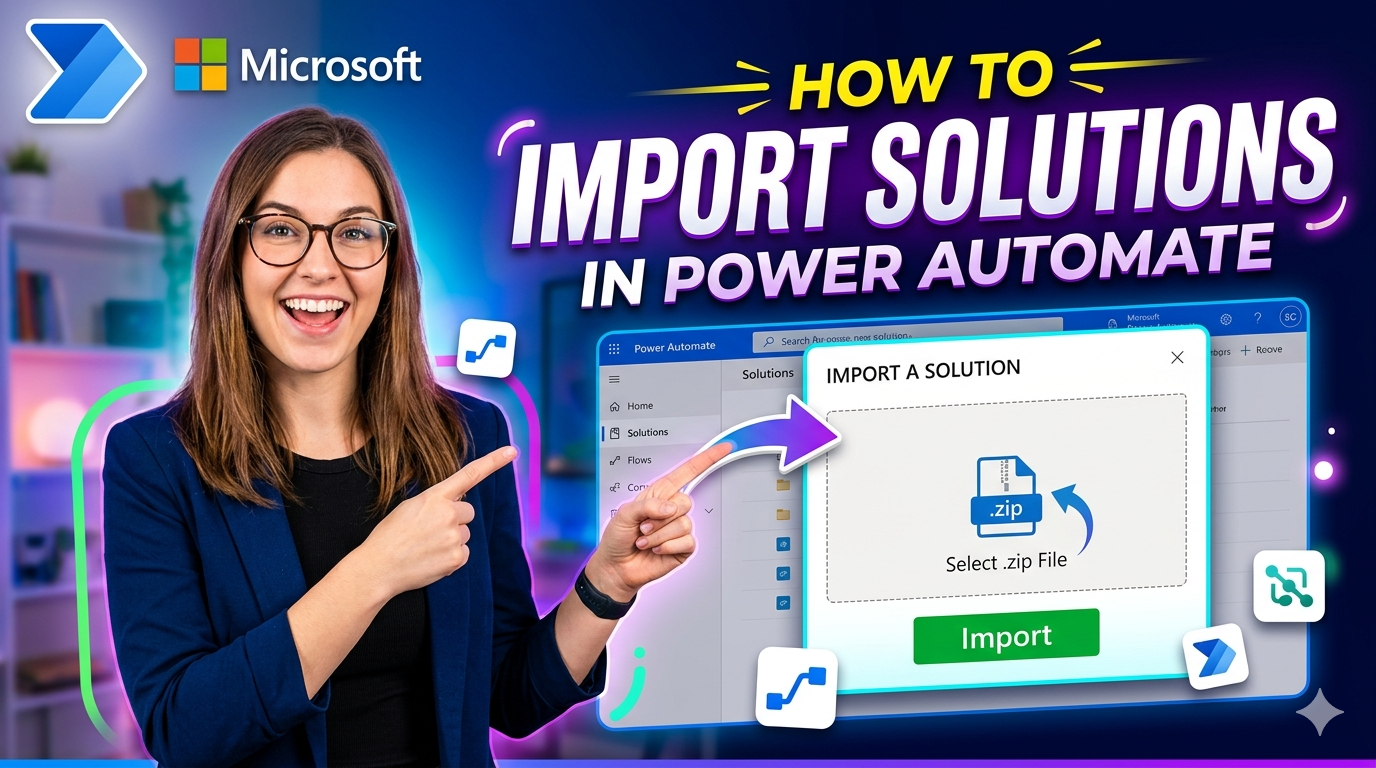
How to import a solution in Power Automate
How to Import a Solution in Power Automate
Importing a solution in Power Automate allows you to move flows, connections, and other components between environments quickly and reliably. This guide walks you through the complete process.
Why Import Solutions?
Solutions let you package your Power Automate flows and related components so they can be:
- Moved between environments (Dev → Test → Production)
- Shared with other teams
- Backed up safely
- Version controlled
Step-by-Step Guide
Step 1: Open Power Automate
Sign in to Power Automate using your Microsoft 365 account.
Step 2: Navigate to Solutions
From the left-hand menu, click on Solutions.
Step 3: Click Import
On the Solutions page, click the Import button located at the top of the screen.
Step 4: Select Your Solution File
Click Browse and select the .zip solution file you want to import. This file is typically exported from another environment.
Step 5: Review Solution Details
Power Automate will show you the solution details, including:
- Solution name
- Version
- Publisher information
Review these carefully before proceeding.
Step 6: Map Connections
If your solution contains flows with connectors (like SharePoint, Outlook, or Dataverse), you'll need to map or create the connections required for those flows to work in the new environment.
Step 7: Click Import
Once everything looks correct, click the Import button to begin the import process.
Step 8: Wait for Completion
Power Automate will process the import. This may take a few minutes depending on the size and complexity of the solution.
Step 9: Verify the Import
Once complete, go to your Solutions list and confirm that all flows, connections, and components have been imported correctly. Test the flows to ensure everything works as expected.
Common Issues and Tips
- Missing Connections: If a connection reference isn't mapped correctly, the flow may fail. Always double-check connection mappings during import.
- Version Conflicts: If you're importing a newer version of an existing solution, make sure to review changes before overwriting.
- Permissions: Ensure you have the necessary permissions in the target environment to import solutions.
Conclusion
Importing solutions in Power Automate is a straightforward process once you know the steps. It's an essential skill for anyone managing flows across multiple environments, helping you maintain consistency and save time.